Every asset with its cost
A property, a car or a portfolio is kept with its value, the income it brings, its upkeep, the loans tied to it and its documents.
 MoneyWorks LiteDownload free
AOS · ASSET OPERATING SYSTEM
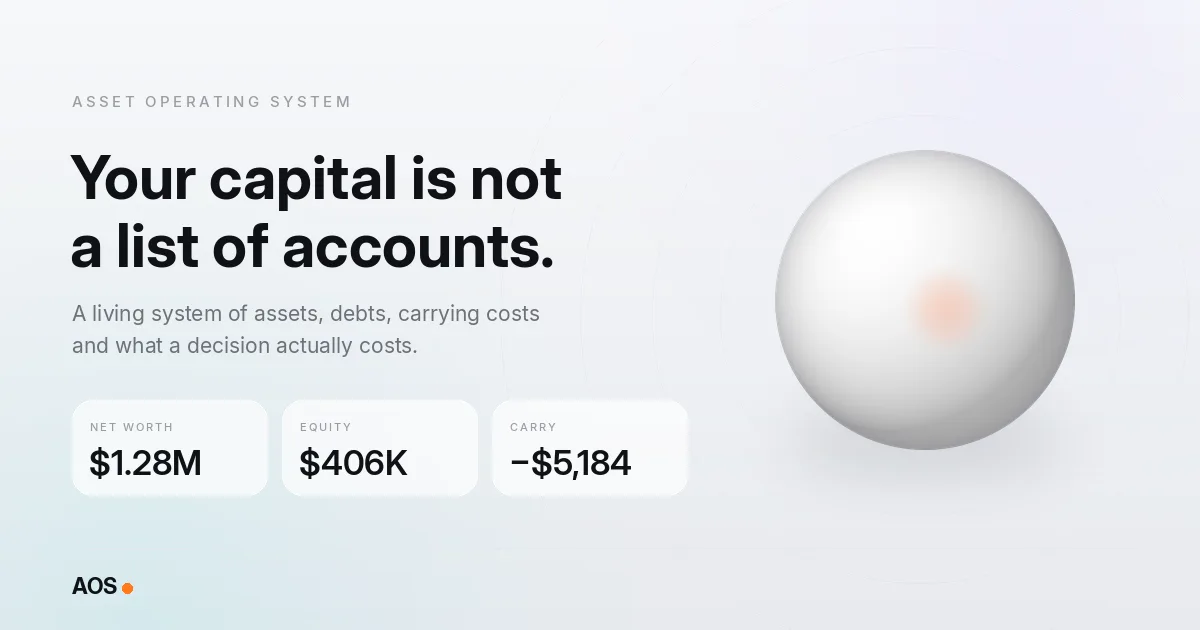
MoneyWorks Lite tracks money as it comes in. AOS is for what that money becomes: a home, a loan, a brokerage account, some crypto. It puts every asset next to its debt and its monthly cost, so you see what you really own rather than a list of balances.
In short
WHAT IT DOES
A property, a car or a portfolio is kept with its value, the income it brings, its upkeep, the loans tied to it and its documents.
Draft a sale, a purchase, an extra loan payment or a refinance and see the effect on equity, net worth, loan-to-value and cash. Nothing changes until you apply it.
At the end of each month AOS locks a snapshot of your capital, so months are compared honestly instead of quietly rewritten.
HOW IT FITS
MoneyWorks Lite is built for the flow: what came in over the last 30 days, from which clients, and how much you paid yourself. That is the right question while income is the main thing you manage.
Sooner or later the surplus turns into things with costs of their own — interest, insurance, upkeep, taxes. AOS is built for that stock: net worth and liquid net worth, what each asset costs to own, and how many months your cash would last. The math is done by a calculation engine; AI only explains a result and never does the arithmetic.
WHO IT’S FOR
QUESTIONS
No. AOS is a separate web app from the same team. MoneyWorks Lite manages income on your phone; AOS manages capital in the browser.
No. Crypto, US stocks and ETFs get prices automatically; balances and other assets are entered by hand or imported from a spreadsheet.
Yes. AOS offers sample data, so you can explore a sample household first.
AOS keeps your data in your own account, readable only by you. You can export it at any time or delete the account and all data in one step.
AOS is being expanded to seven languages: English, Russian, Spanish, Portuguese, Turkish, French and German — the same set as CHAOSLESS.
MONEYWORKS LITE
Free to download on iPhone and Android. Your income deserves more than a monthly report.